A category is simply a group of music that rotates at a specific speed. That speed is determined by how many songs are in the category and how many times you call for the category on your clock.
Here's how you can add more categories or change the name and color of the ones we've created:
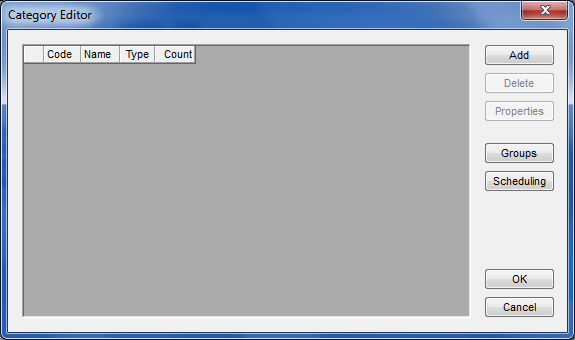
Select Dataset, Library, Categories. This screen is displayed:
Use the Add button to create new categories. The option gives you this screen where you can pick the code (up to three characters), the name and colors you'd like.
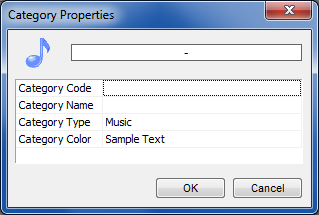
We'll make a category with a code of "A" called "Hot Rotation" as an example:
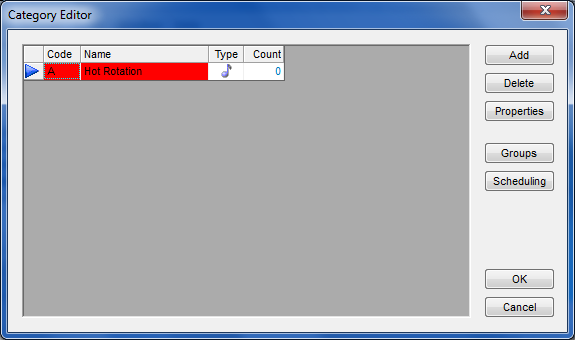
If you wish to change the name or colors of the existing categories, just make sure that blue arrow is on the line for the category you wish to change, then select Properties. You'll see a box that looks like the one above except it will already have the information of the category in it.