Now that you've created a Clock, you have to tell MusicMaster when to use it.
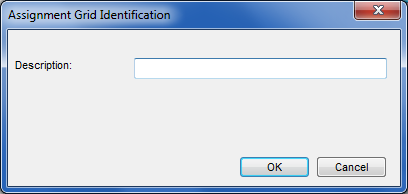
If you go back to Dataset, Clocks, you'll see an option for Assignment Grids. If you have some available, you can Edit any of those. Otherwise, click on New to see the box where you'll enter the name for your grid:
Once you name it, you'll get a grid with 168 boxes, one for every day of the week. You can now pick which clock you need in which hour. If you want to assign the clock to numerous hours, you can use your mouse to highlight the squares and then use the drop down to pick the clock.
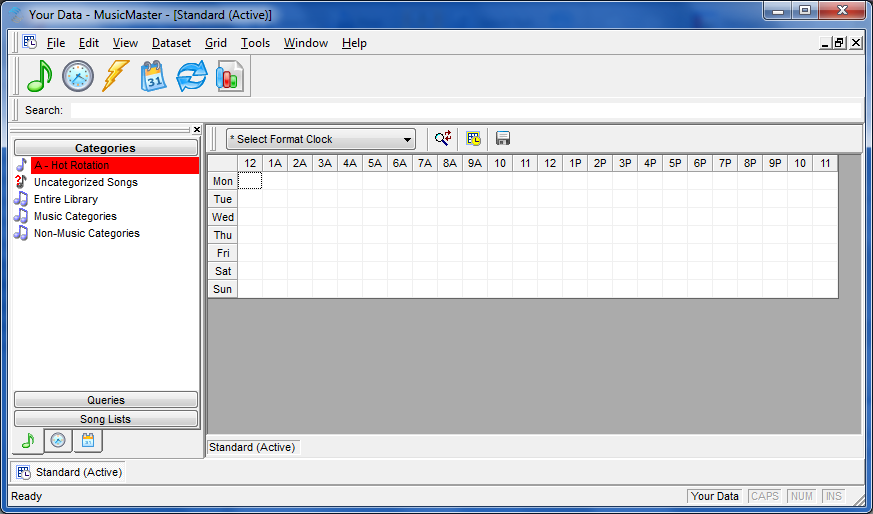
Be sure to use the Save icon on the clock toolbar after you make any changes. Don't worry if you forget, we'll warn you if you make changes and try to exit without saving them