Testing Your API Commands
MusicMaster Server
MusicMaster PRO 4.0 or later and MusicMaster CS include the MusicMaster Nexus Server. This is an HTTP Server application that can respond to HTTP Post requests on the local machine, or across a network. In addition, each instance of the server can serve requests for one or more MusicMaster databases.
Test/Demonstration Client
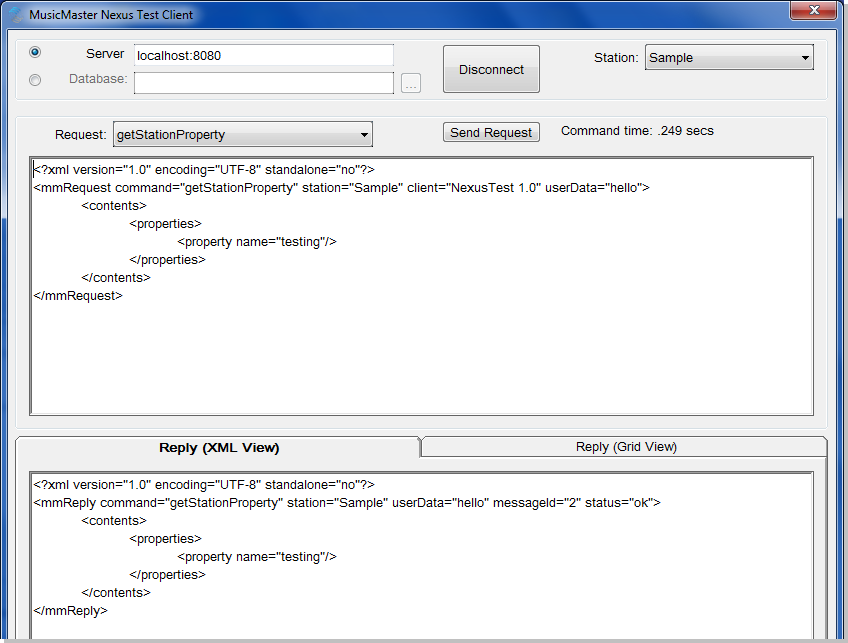
The MMServerTest.exe application can be used to experiment with the MMServer interface. It allows you to specify the address and port of the server to connect to, and once connected allows you to select a database to query. Additional controls let you test various server functions:
Using the API
Request messages are sent to the server in an HTTP POST message with the XML message in the body of the POST message. Request messages are always XML messages with a root tag of mmRequest. The desired command is specified in the command attribute of the root tag. This tag will also require a station attribute for most messages. You can also optionally specify a version attribute for backward-compatibility. When not specified, the version will always default to the latest version of the interface, so it is wise to specify a version="1" attribute. You should also add a client attribute to your request message with a string that defines the product and version that is making the request. A userData attribute is also available. Whatever data is passed here will be returned in the reply message unaltered.
Server responses are always XML messages with a root tag of mmReply. The command name attribute will be repeated in the reply, and the version attribute will always be included to indicate the version of the command was used. If userData was included in the request, it will be included in the reply as specified in the request. A status attribute will always be included in reply messages. If this returns as 'ok' then the command completed normally and the appropriate contents will be found within this tag. If this returns 'error' then only error message information will be returned. See the section on error messages for more information.
As of MusicMaster PRO 5.0sr11, all reply messages are encoded as UTF-8 with XML header, by default. Request messages should also be encoded as UTF-8, especially if they contain any non-English characters.
Working with the API
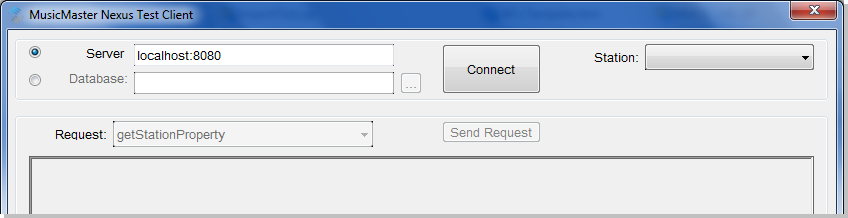
You can experiment with the API using the MMServerTest.exe executable. When launched, you will be prompted to enter the server address of an active MusicMaster Nexus Server. Once entered, click the Connect button.
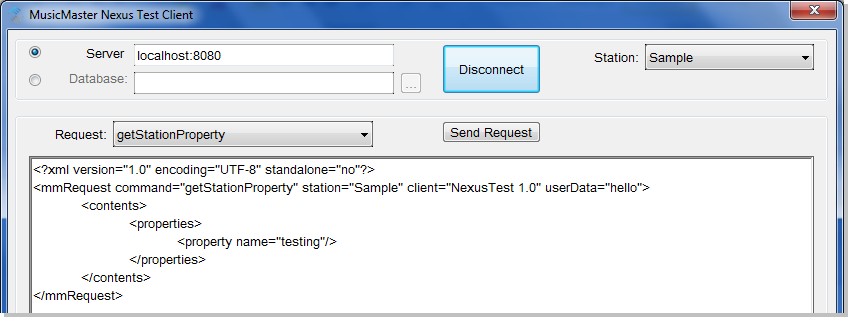
If a successful connection is made, the Connect button will change to Disconnect, and a new selection box will appear to the right where you can select the station you wish to work with.
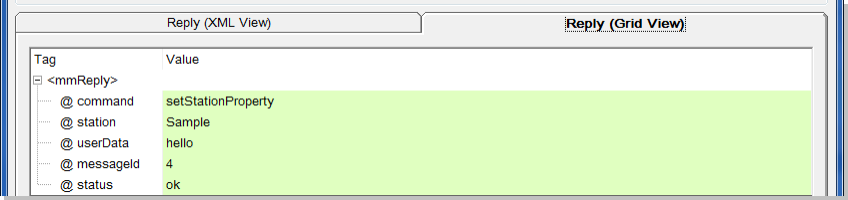
Now you can select from the available server request messages, and a sample of the message will appear in the large request text box. You can manually edit this request as you wish, and then click “Send Request" to send that request command to the server. The server reply message will appear in the lower reply box. There are two tabs available, one to show the raw XML reply message, and another to format the replay in a grid.