Installation
During the installer process, there will be a screen where you configure Nexus.
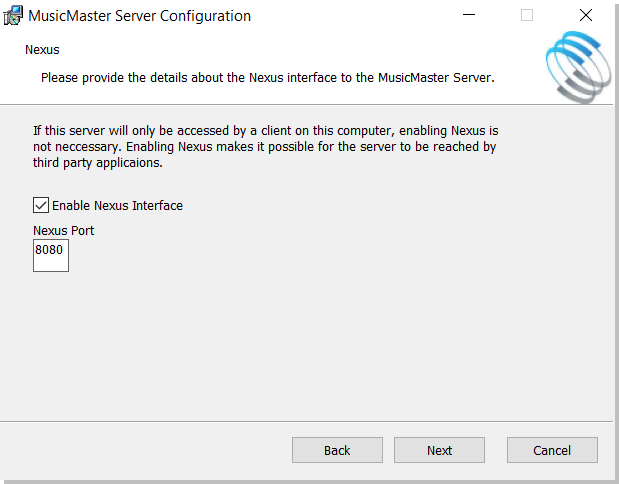
Check the box and indicate the port. The port should be one not used for any other application. If you decide to enable Nexus later, you will be able to do so without re-running the installer file. You can do so through the Server Monitor Tray App. When opened, there is a tab for Nexus.
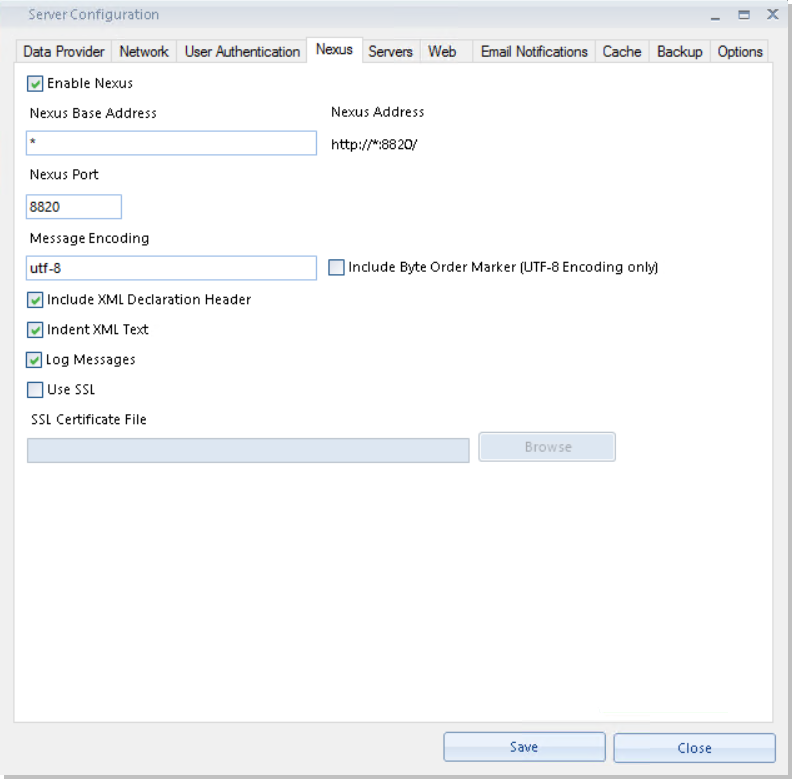
Use SSL - Windows uses .PFX files for SSL certification. These combine the certificate and private key. MusicMaster CS just needs this .PFX file. You should also have a password that goes with it that you create during the process.
Licensing Nexus
No additional licensing is required to run Nexus.